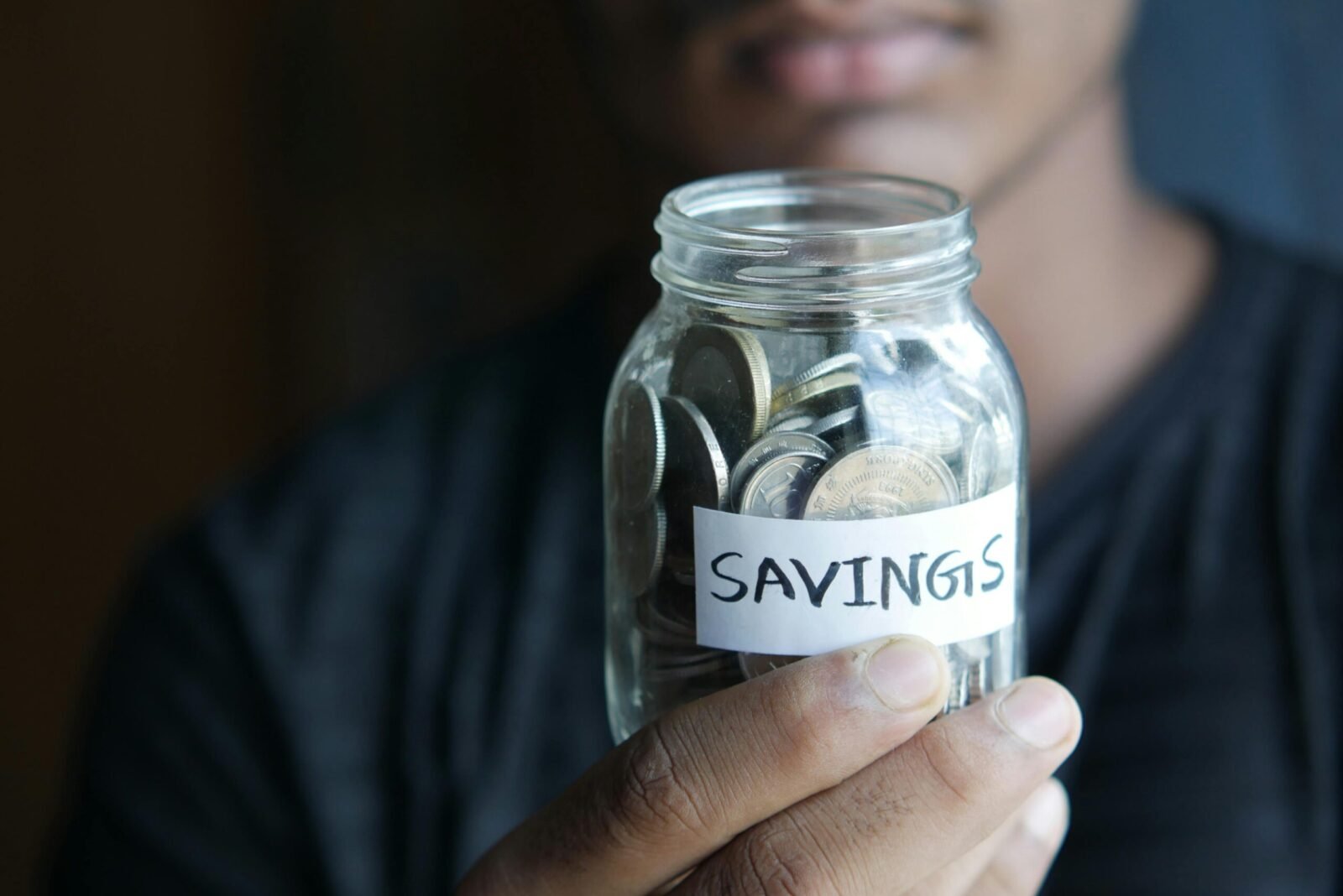
Automatic savings plans are one of the most effective ways to build wealth consistently. By moving money from your checking account to savings, investments, or emergency funds without thinking about it, you remove emotion and willpower from the equation. In 2026, banks and fintech apps make automation easier and smarter than ever.
This practical USA guide walks you through exactly how to set up automatic savings plans, the best tools available, and strategies to maximize your results.
Why Automatic Savings Works So Well
- It uses “pay yourself first” principle
- Eliminates decision fatigue and temptation to spend
- Takes advantage of compound interest
- Helps hit financial goals faster (emergency fund, house down payment, vacation, retirement)
- Builds strong financial habits automatically
Step-by-Step: How to Set Up Automatic Savings Plans
Step 1: Define Your Savings Goals
Be specific:
- Emergency fund: 3–6 months of expenses
- Short-term goals: Vacation, new car, wedding
- Long-term goals: Down payment, retirement, investments
Decide how much you want to save monthly and by when.
Step 2: Choose the Right Savings Vehicle
- High-Yield Savings Account (HYSA) for emergency funds
- Money Market Accounts for slightly higher rates
- Brokerage or IRA for retirement/investments
- CD laddering for fixed goals
Step 3: Set Up Automatic Transfers
Most banks allow recurring transfers on a chosen schedule (payday, weekly, or monthly).
Best Methods in 2026:
- Bank-to-Bank Transfers — From checking to high-yield savings
- Percentage of Income — Save 10–20% of every paycheck automatically
- Round-Up Savings — Round up purchases to the nearest dollar and save the difference
- Split Direct Deposit — Ask your employer to send part of your paycheck straight to savings
Step 4: Choose the Best Tools and Accounts
Top Automatic Savings Options in 2026:
| Tool / Bank | Best Feature | Monthly Fee | Top APY (Savings) | Best For |
|---|---|---|---|---|
| Ally Bank | Buckets + recurring transfers | $0 | Up to 4.00% | Goal-based saving |
| Capital One 360 | Automatic savings goals | $0 | Competitive | Simple automation |
| SoFi Checking & Savings | High interest + round-ups | $0 | Up to 4.00% | All-in-one accounts |
| Acorns | Round-ups + investing | $3–$12 | Market returns | Beginners who want growth |
| Digit / Qapital | AI-powered smart saving | Varies | Varies | Hands-off micro-saving |
| Chase or Bank of America | Easy recurring transfers | $0 | Lower rates | Traditional banking users |
Detailed Setup Instructions
Using Ally or Capital One (Recommended for Most People):
- Open a high-yield savings account.
- Create separate “buckets” or savings goals inside the account.
- Go to Transfers → Set up recurring transfer.
- Choose amount, frequency (e.g., every 1st and 15th), and source account.
- Confirm and activate.
Using Round-Up Feature:
- Link your debit card to Acorns, SoFi, or bank round-up tools.
- Every purchase is rounded up, and the spare change is automatically saved or invested.
Using Split Direct Deposit:
- Ask HR to split your paycheck (e.g., 80% to checking, 20% to savings).
- This is the most powerful method because the money never touches your spending account.
Advanced Automatic Savings Strategies
- 50/30/20 Rule Automation: 50% needs, 30% wants, 20% savings — set transfers to match.
- Lifestyle Inflation Guard: Automatically increase your savings rate by 1% every 6 months.
- Multiple Buckets: One for emergencies, one for travel, one for investments.
- Investment Automation: Set up recurring contributions to Roth IRA or brokerage (Vanguard, Fidelity, Schwab).
- Tax Refund Automation: Direct a portion of your tax refund straight into savings.
Pro Tips for Success
- Start small — even $50 per paycheck builds the habit.
- Automate on payday so you never “miss” the money.
- Name your savings goals emotionally (“Dream Europe Trip” instead of “Vacation Fund”).
- Review your plan every 3–6 months and adjust amounts.
- Keep your emergency fund in a different bank than your checking to reduce temptation.
Common Mistakes to Avoid
- Setting the transfer too low (you won’t see real progress).
- Linking savings to the same bank and easily moving money back.
- Forgetting to increase savings when income rises.
- Not checking for better interest rates periodically.
FAQs About Automatic Savings Plans
How much should I save automatically each month?
Start with 10–15% of your income. Aim to reach 20%+ as your income grows.
Is my money safe in these accounts?
Yes — choose FDIC-insured banks. All major banks listed above are FDIC insured up to $250,000.
Can I set up automatic savings without a high income?
Absolutely. Even $25–$100 per month makes a big difference over time.
What’s better: round-ups or fixed transfers?
Fixed transfers are more powerful for building serious savings. Round-ups are great as a supplement.
Do I need multiple bank accounts?
Yes — most people benefit from at least two: one for spending and one (or more) dedicated to savings.
Final Thoughts
Setting up automatic savings plans is one of the highest-leverage financial moves you can make. Once the system runs in the background, your money grows with almost zero effort. In 2026, tools from Ally, Capital One, SoFi, and others make automation seamless and powerful.
Start today: Open a high-yield savings account, set up your first recurring transfer for this Friday, and name your goal. Small consistent actions compound into life-changing wealth.
The best time to start was yesterday. The second-best time is right now.
This guide reflects current 2026 banking features, rates, and best practices from major U.S. financial institutions. Always verify latest terms and APYs directly with the bank or app before setting up transfers.