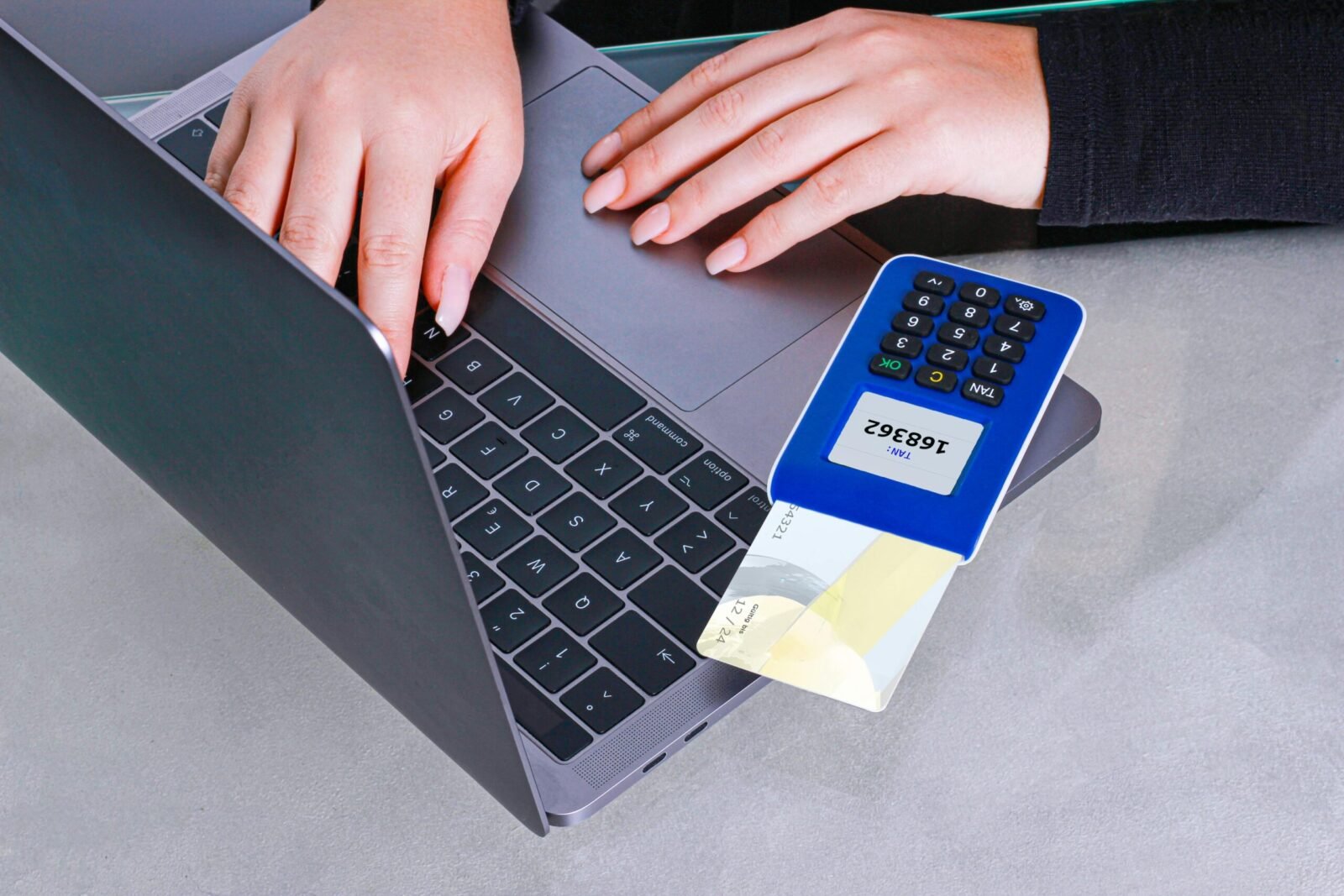
Online banking is incredibly convenient, but it also makes you a prime target for hackers, scammers, and identity thieves. In 2026, cyber threats are more sophisticated than ever — including AI-powered phishing, deepfake videos, and advanced malware. The good news? Following simple, consistent habits can dramatically reduce your risk and keep your accounts secure.
This practical USA-focused guide shows you exactly how to use online banking safely while still enjoying its full benefits.
1. Start with Strong Foundation Security
Create Bulletproof Login Credentials
- Use a unique, strong password (at least 16 characters) for your banking account — never reuse passwords across sites.
- Enable biometric login (fingerprint or Face ID) whenever available — it’s faster and more secure than passwords.
- Turn on two-factor authentication (2FA) or multi-factor authentication (MFA). Prefer app-based authenticators (Google Authenticator, Microsoft Authenticator) over SMS codes.
Use a Password Manager
Recommended options in 2026: Bitwarden, 1Password, or LastPass. These generate and store complex passwords securely.
2. Secure Your Devices and Network
- Keep your phone, tablet, and computer updated with the latest software and security patches.
- Install reputable antivirus/antimalware software (e.g., Malwarebytes, Norton, Bitdefender).
- Never use public Wi-Fi for banking. If you must, always use a trusted VPN (ExpressVPN, NordVPN, or Proton VPN).
- Enable full-disk encryption and remote wipe features on your phone.
- Avoid “jailbroken” or rooted devices — they bypass important security protections.
3. Daily Safe Online Banking Habits
Recognize and Avoid Phishing
- Never click links in emails or texts claiming to be from your bank. Log in directly by typing the official website or using the app.
- Watch for red flags: urgent language, suspicious sender addresses, or requests for passwords/PINs.
- Banks will never ask you to send sensitive information via email.
Smart Account Monitoring
- Check your accounts at least 2–3 times per week.
- Set up real-time transaction alerts via text or app push notifications.
- Review your statements every month for unfamiliar charges.
- Use your bank’s “card lock” feature when not using your debit/credit card.
Safe Mobile Banking Practices
- Only download your bank’s official app from the Apple App Store or Google Play Store.
- Never use third-party banking apps.
- Enable biometric authentication and auto-lock features.
Security Checklist Table (2026 Best Practices)
| Security Measure | Why It Matters | Action to Take |
|---|---|---|
| Unique strong password | Prevents credential stuffing | Use password manager |
| Biometric + 2FA/MFA | Adds second layer of protection | Enable in bank settings |
| Transaction alerts | Catches fraud instantly | Turn on for every transaction |
| Regular account reviews | Spots issues early | Weekly check + monthly statements |
| VPN on public networks | Encrypts your connection | Always use when away from home |
| Avoid public Wi-Fi for banking | Prevents man-in-the-middle attacks | Use mobile data or trusted VPN |
Advanced Protection Tips
- Use virtual cards or single-use card numbers for online shopping (offered by Capital One, Chase, Citi, etc.).
- Enable “travel notice” when going abroad to prevent false fraud alerts.
- Consider a dedicated “banking only” device or browser profile.
- Use Apple Pay, Google Pay, or Samsung Pay instead of entering card details.
- Regularly review authorized devices logged into your account and remove old ones.
What to Do If You Suspect a Problem
- Immediately log in and lock your debit/credit cards.
- Contact your bank’s fraud department (use the number on the back of your card or official app/website).
- Change all passwords and enable fresh 2FA.
- Monitor your credit reports (free weekly at AnnualCreditReport.com).
- File a report with the FTC at IdentityTheft.gov if identity theft is involved.
Common Mistakes That Put You at Risk
- Using the same password for banking and social media.
- Clicking “Remember Me” on shared or public computers.
- Ignoring security update notifications.
- Replying to suspicious banking emails or texts.
- Using weak or easy-to-guess security questions.
FAQs About Safe Online Banking
Is mobile banking safer than desktop?
Usually yes — phones have better biometric security and are updated more frequently.
Can banks reimburse me if I’m hacked?
Most major U.S. banks have zero-liability policies for fraudulent transactions if you report them promptly (usually within 60 days).
Are all banks equally safe?
Choose FDIC-insured banks. Larger, well-known institutions generally invest more in cybersecurity.
Should I use my bank’s app or website?
The official mobile app is usually safer and more secure than the website.
What about AI-powered scams in 2026?
Be extra cautious of voice calls or video calls pretending to be your bank. Hang up and call back using the official number.
Final Thoughts
Using online banking safely in 2026 is less about being paranoid and more about building consistent, smart habits. By using strong unique passwords, enabling 2FA and biometrics, monitoring accounts regularly, and staying alert to phishing, you can enjoy the convenience of digital banking with excellent protection.
Take 15–20 minutes today to review your current banking security settings. Enable missing features, set up alerts, and consider switching to a password manager if you haven’t already.
Your money deserves the best protection possible. Stay safe, stay vigilant, and bank confidently.
This guide reflects current 2026 cybersecurity best practices recommended by the FTC, FDIC, major U.S. banks, and security experts.